728x90
반응형
| Function | Windows |
mac | desc |
| 한자키 | 한자키 | option + enter | |
| 특수문자 (기호, 이모티콘) |
(여러자음키)+한자키 or (여러자음키)+ ctrl+space |
ctrl + cmd + space |
윈도우에서 특수문자 입력 위한 자음별 정리 |
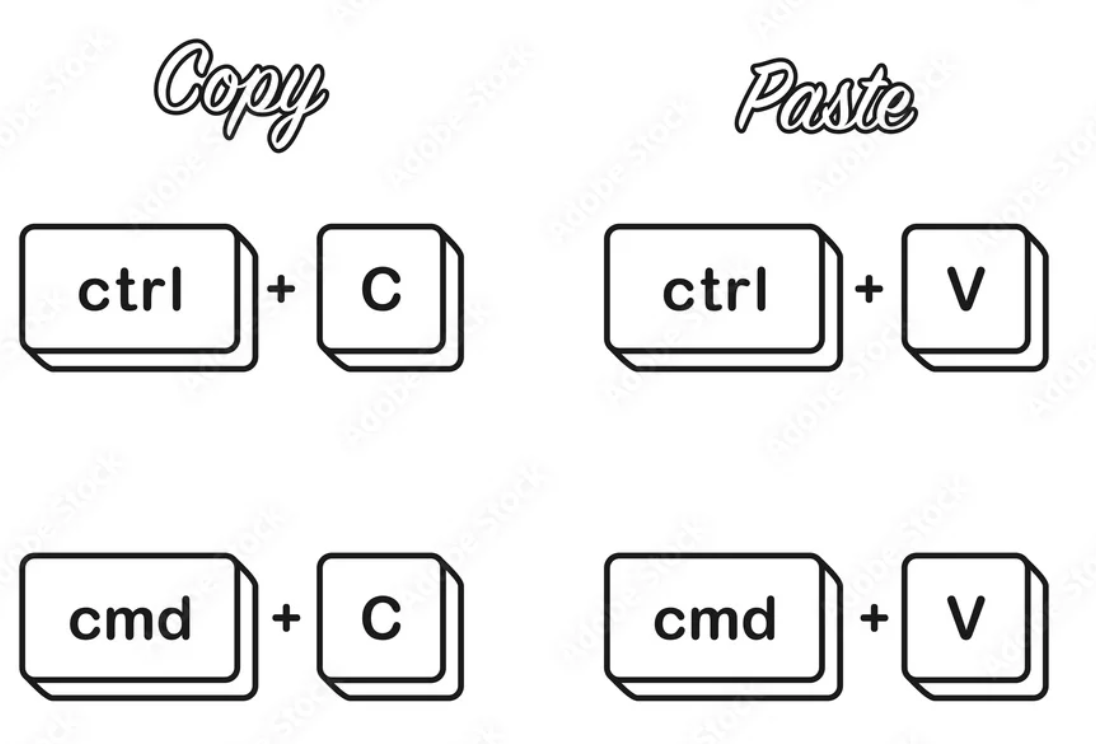
| copy | ctrl+c |
cmd + c |
|
| paste | ctrl+v |
cmd + v |
|
| cut | ctrl+x |
cmd + x |
|
| undo | ctrl+z |
cmd + z |
|
| redo | ctrl+y |
cmd + shift + z |
|
| select all | ctrl+a |
cmd + a |
|
| 첫 줄로 이동 | ctrl+home |
cmd + ⬆️ |
|
| 마지막 줄로 이동 | ctrl+end |
cmd + ⬇️ |
|
| 현재 행에서 맨 앞으로 이동 | home |
cmd + ⬅️ |
readline editor(ipython등)에선 ctrl+a |
| 현재 행에서 맨 뒤로 이동 | end |
cmd + ➡️ |
readline editor(ipython등)에선 ctrl+e |
| 검색 | win + F |
cmd + space |
mac에서는 spotlight search라고 불림 |
| 화면잠금 | win + L |
ctrl+cmd+Q |
References
https://support.apple.com/ko-kr/HT201236
Mac 키보드 단축키
특정 키 조합을 눌러 보통은 마우스, 트랙패드 또는 기타 입력 기기가 있어야 가능한 작업을 수행할 수 있습니다.
support.apple.com
2025.04.09 - [utils] - [ipython] Shortcut (단축키) - readline editors
[ipython] Shortcut (단축키) - readline editors
ipython 셀은 readline 을 채택해서, 기본 키 바인딩은 emacs 기준임: 난 vi 키바인딩을 선호하는데... 우선 기본 shortcut은 다음과 같음:FunctionShortcutcursor를 line의 맨 앞으로Ctrl + Acursor를 line의 맨 뒤로Ctrl
ds31x.tistory.com
728x90
'개발환경' 카테고리의 다른 글
| [vscode] How to install vscode: macOS, Linux, Windows (1) | 2023.12.15 |
|---|---|
| [vscode] external terminal 사용하기 (0) | 2023.12.15 |
| [conda] shell에서 conda 명령어가 제대로 동작하지 않을 때 : conda init (1) | 2023.10.24 |
| [zsh] zsh-autosuggestions (1) | 2023.09.08 |
| [zsh] zsh-syntax-highlighting 설치. (0) | 2023.09.08 |


