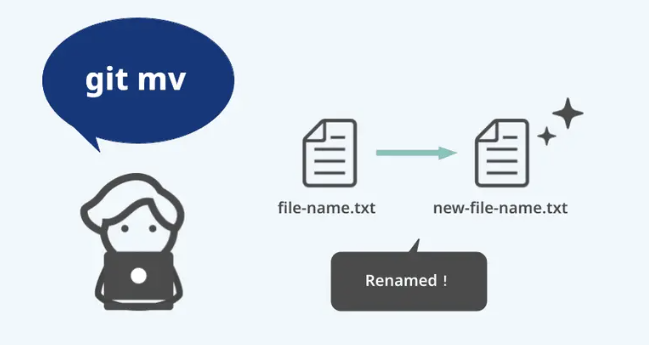
git mv
파일 이름을 변경해줌.
git mv file_from file_to이는 다음의 명령어 수행들을 하나의 명령어로 만든 것임.
mv file_from file_to
git rm file_from
git add file_to- 다른 방법으로 파일명을 변경한 경우, 반드시
git add를 통해, 삭제와 새이름의 파일의 추가등을 staged 시켜야 함. - 위와같이 rm, add로 처리해도 되지만, 그냥 지우고 나서 지운파일과 바뀐 이름의 파일을 add로 처리해도 됨.
같이 보면 좋은 자료들
2024.05.21 - [utils/git and github] - git rm
git rm
git rm"파일의 삭제"를 working tree 와 stage에 등록시킴.즉, Stage에 있는 Tracked file 을 삭제하는 것임.동시에 working directory에 파일도 제거해줌.--cached 옵션을 사용할 경우, working directory의 파일을 지우지
ds31x.tistory.com
2024.05.20 - [utils/git and github] - git add
git add
git addUntracked file을 stage에 이동시키는 명령어 : Tracked file로 변경됨.기존의 tracked file인 경우, modified file 즉 수정이 이루어진 파일을 stage 에 올리는데에도 사용됨.다음의 명령어는 new_file.txt 를 stag
ds31x.tistory.com
2024.05.20 - [utils/git and github] - [Git] Git Summary (작성중)
[Git] Git Summary (작성중)
git이란2024.05.20 - [utils/git and github] - Git : 소개 git 설치 후 해줘야 하는 작업들[Git] git 설치 후 우선 해줘야 하는 작업들 (tistory.com)local repository 초기화2024.05.20 - [utils/git and github] - [Git] init : local repo
ds31x.tistory.com
'utils > git and github' 카테고리의 다른 글
| [Git] git 에서 branch란? (0) | 2024.05.26 |
|---|---|
| git reset: 가장 쉬운 되돌리기. 단 공동작업에선 피하자. (1) | 2024.05.26 |
| git rm (0) | 2024.05.21 |
| [Git] git 설치 후 우선 해줘야 하는 작업들 (0) | 2024.05.21 |
| git diff (0) | 2024.05.20 |


